← กลับหน้าแรก

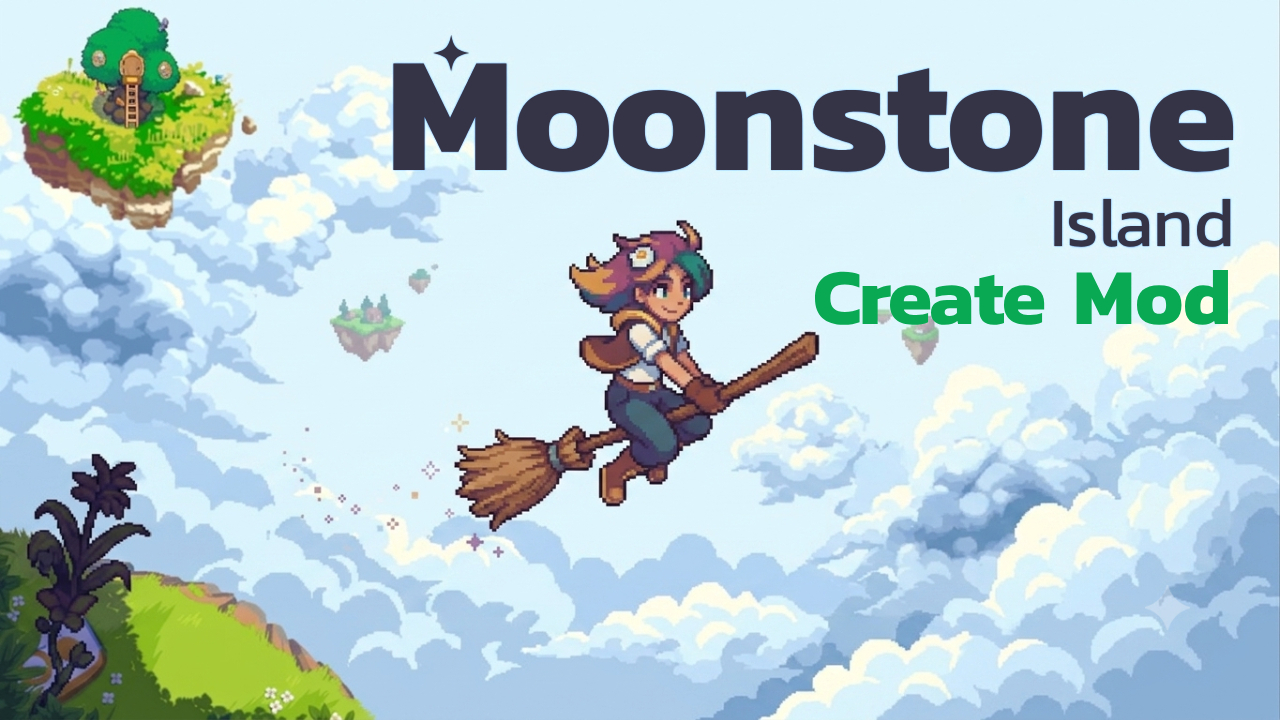
Create Mod Moonstone Island

⚙️ วิธีติดตั้ง

User Manual

### **Step-by-Step Instructions**

1. **Mod Details**

* Fill in **Developer Name**, **Mod Name**, and **Version**.


2. **Create Project Folder**

* Click to generate the project directory (e.g., `MoNnMod_Moonstone-TH_v1.0`) and the `package-mod` subfolder.


3. **Open Project Folder**

* Click to open the project directory in File Explorer.

* **Adding Mod Files:** Place your modified assets or localization files inside the `package-mod` directory.


4. **Set Game Path**

* Select your **Moonstone Island** installation directory.

* The program automatically backs up `package.nw` to `package-master.nw` and extracts the original files.


5. **Build Test & Run**

* Merges files from `package-mod` into `package-master`, repacks them into `package.nw`, and launches the game automatically for testing.


6. **Build Mod (.zip)**

* Bundles the project directory (including `Installer.exe` if present, excluding `package-master`) into a `.zip` file ready for release.

📥 ดาวน์โหลด Mod

📝 รายละเอียด Mod

Description

A program to generate mod files from scratch, compress them for release, and install them directly via built-in UI.